Obtaining the Sonic CD Datapack
The datapack for Sonic CD is required for both playing and modding the game.
Prerequisites
- ZArchiver
- Sonic CD installed from the Google Play Store
- Note that this release has been delisted. However, if you have downloaded it in the past, you can redownload it at any time in your device or store account's download/purchase history.
- A jailbroken iOS device
- Filza (Available on the BigBoss package repo:
http://apt.thebigboss.org/repofiles/cydia/) - Sonic CD installed from the App Store
- Note that this release has been delisted. However, if you have downloaded it in the past, you can redownload it at any time in your device or store account's download/purchase history.
- Steam installed and running
- Sonic Origins installed from Steam
- Epic Games Launcher installed and running
- Sonic Origins installed from the Epic Games Store
- Steam installed and running
- Sonic CD installed from Steam
- Note that this release has been delisted. However, if you have the game in your Steam library, you can redownload it there at any time.
Obtaining the Datapack
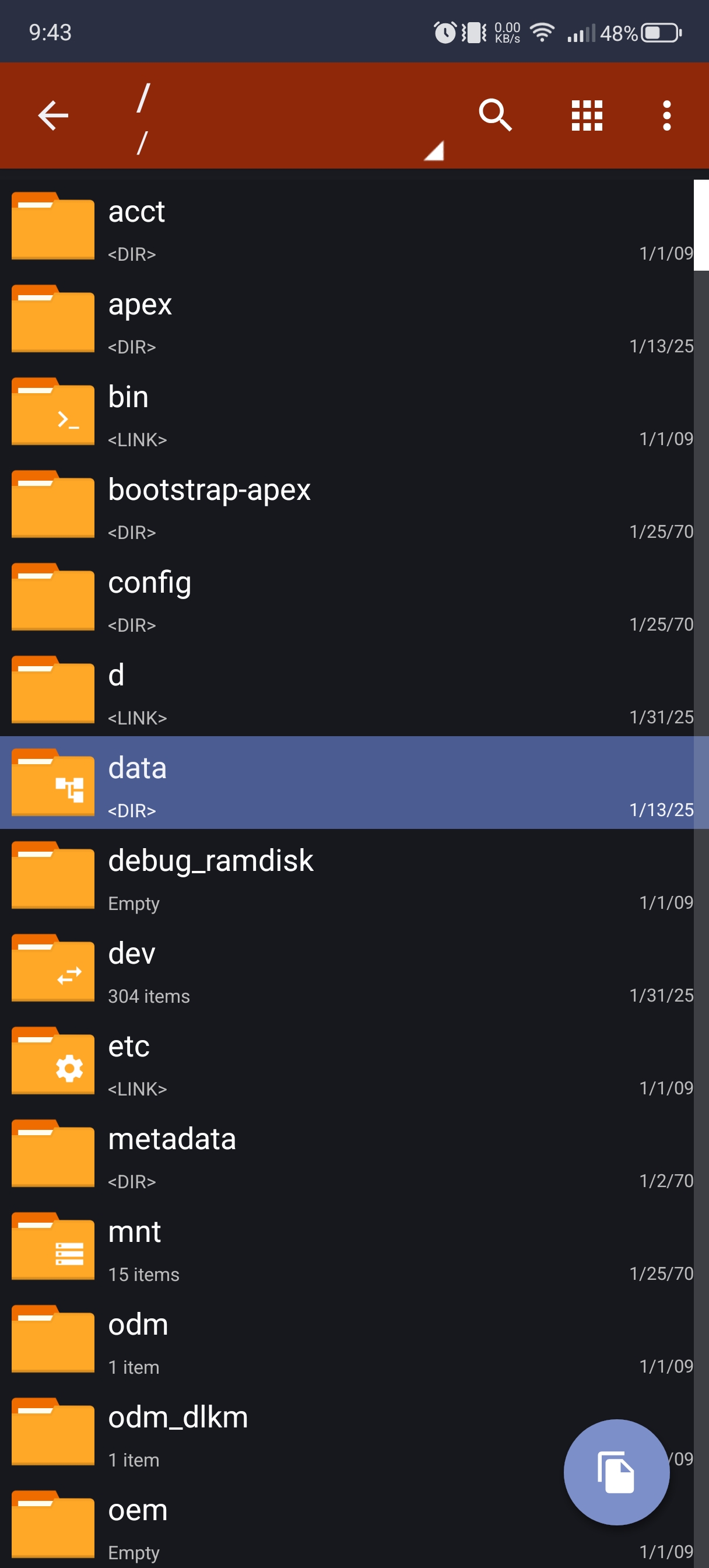
Open ZArchiver, then keep pressing .. until you reach the root / directory.
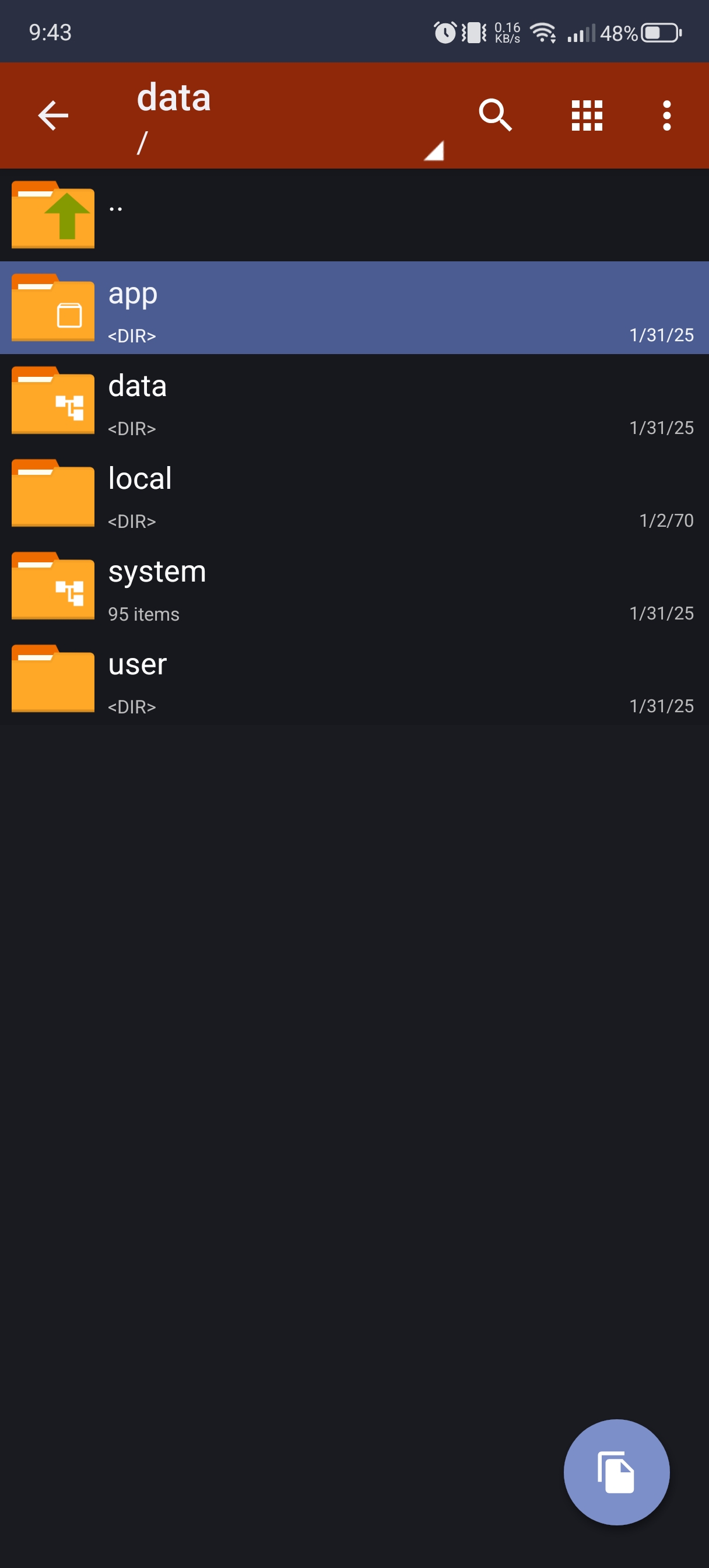
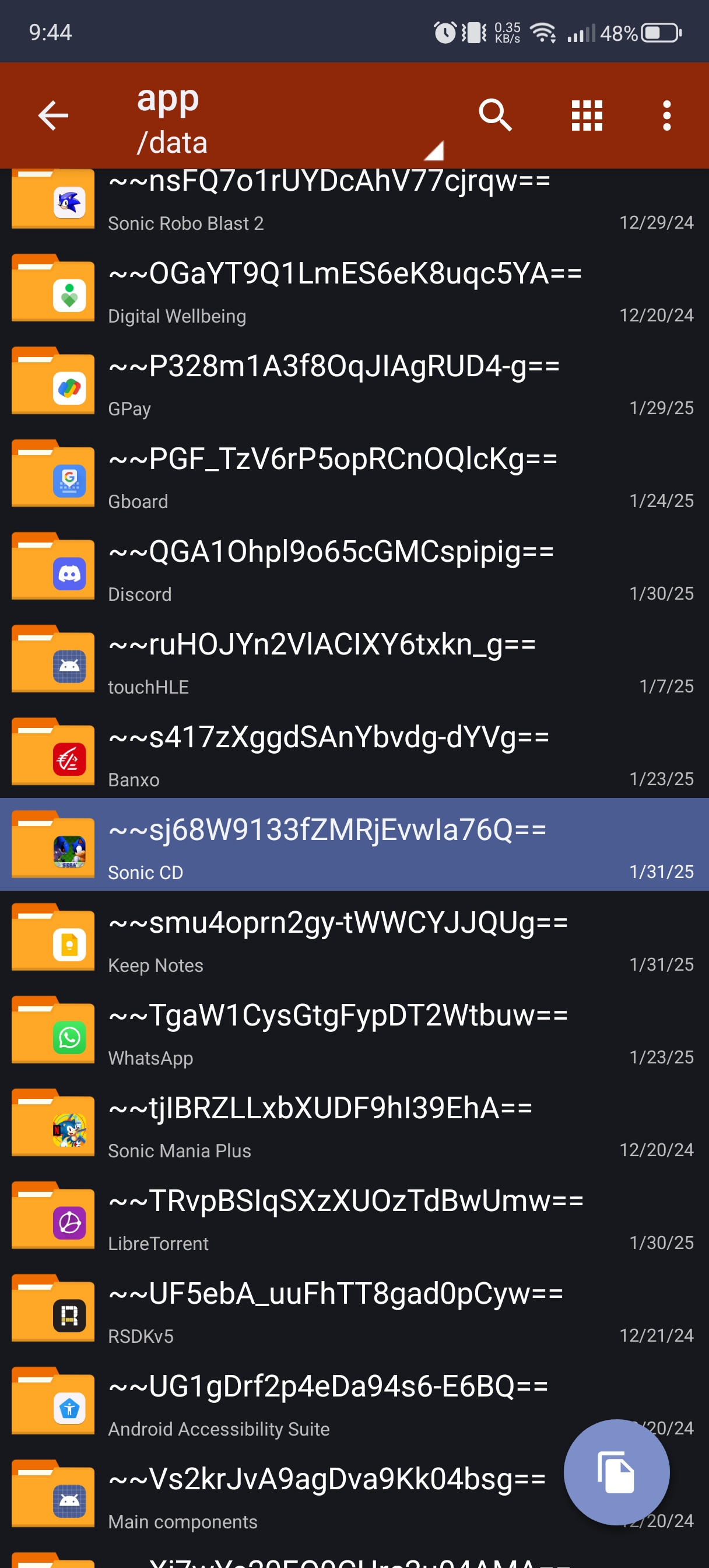
Navigate to /data/app/, then find and open the folder attributed to Sonic CD.
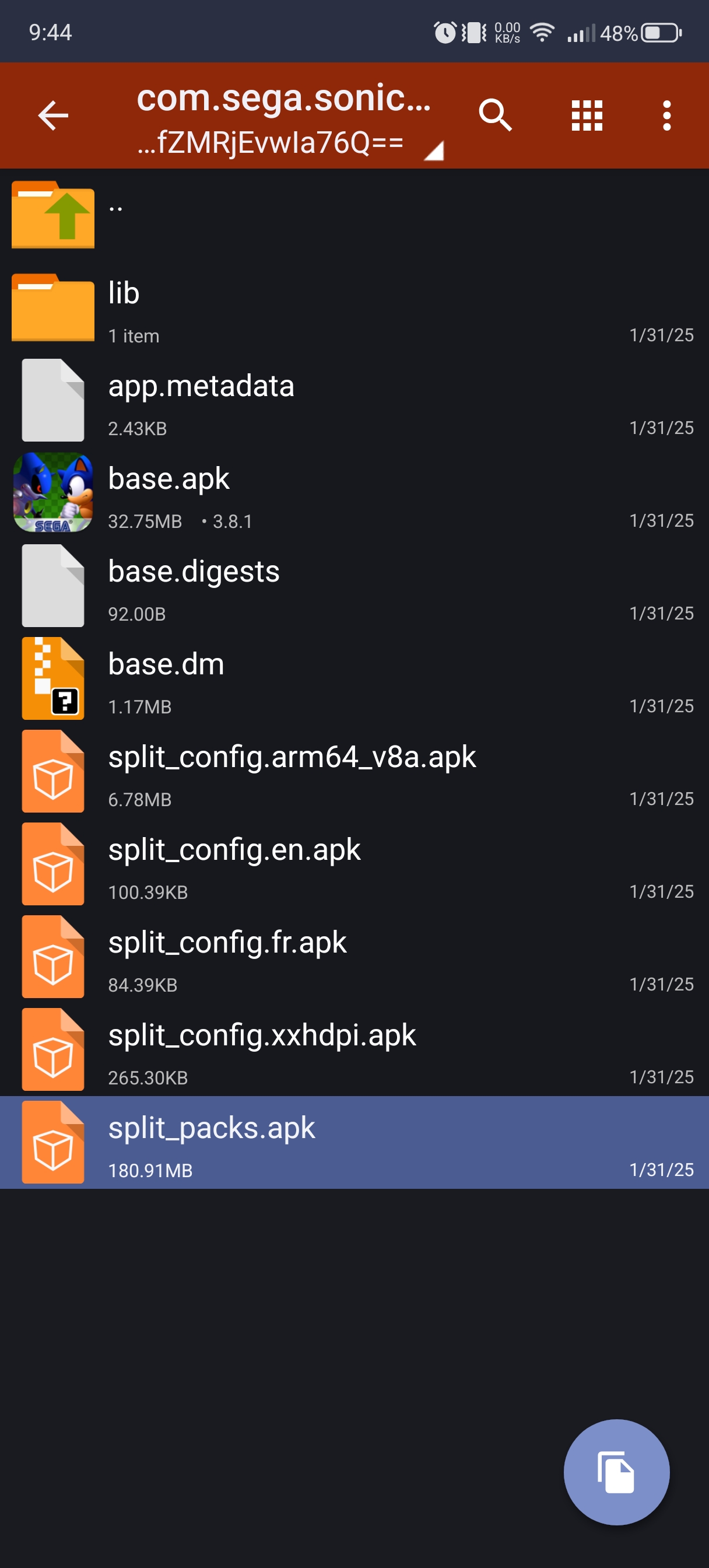
Open the folder beginning with com.sega.soniccd.classic, then you will find a file named split_packs.apk. Tap the file and then select View in the menu that appears.


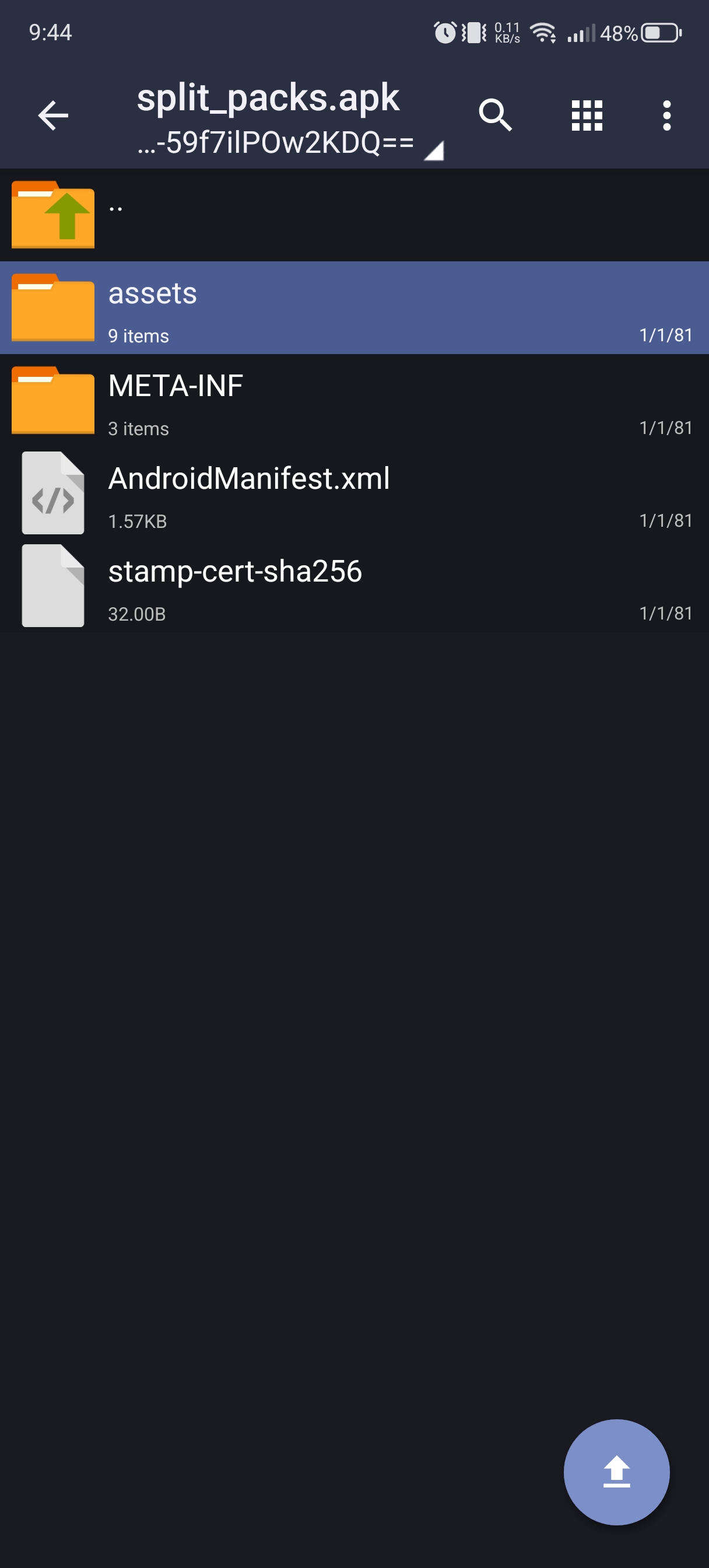
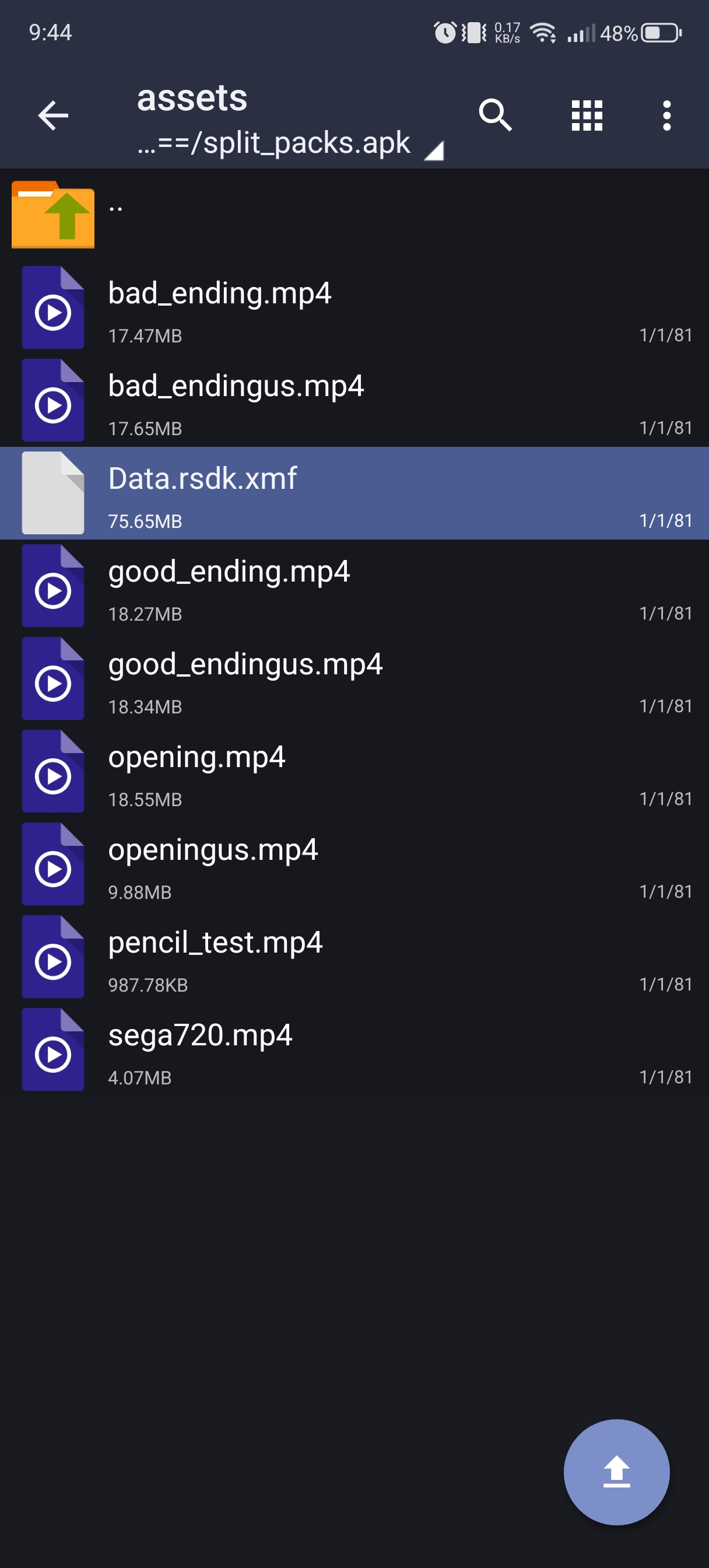
Open the assets folder, then you will find a file named Data.rsdk.xmf. Copy the file into a directory of your choice and then rename the file to Data.rsdk.
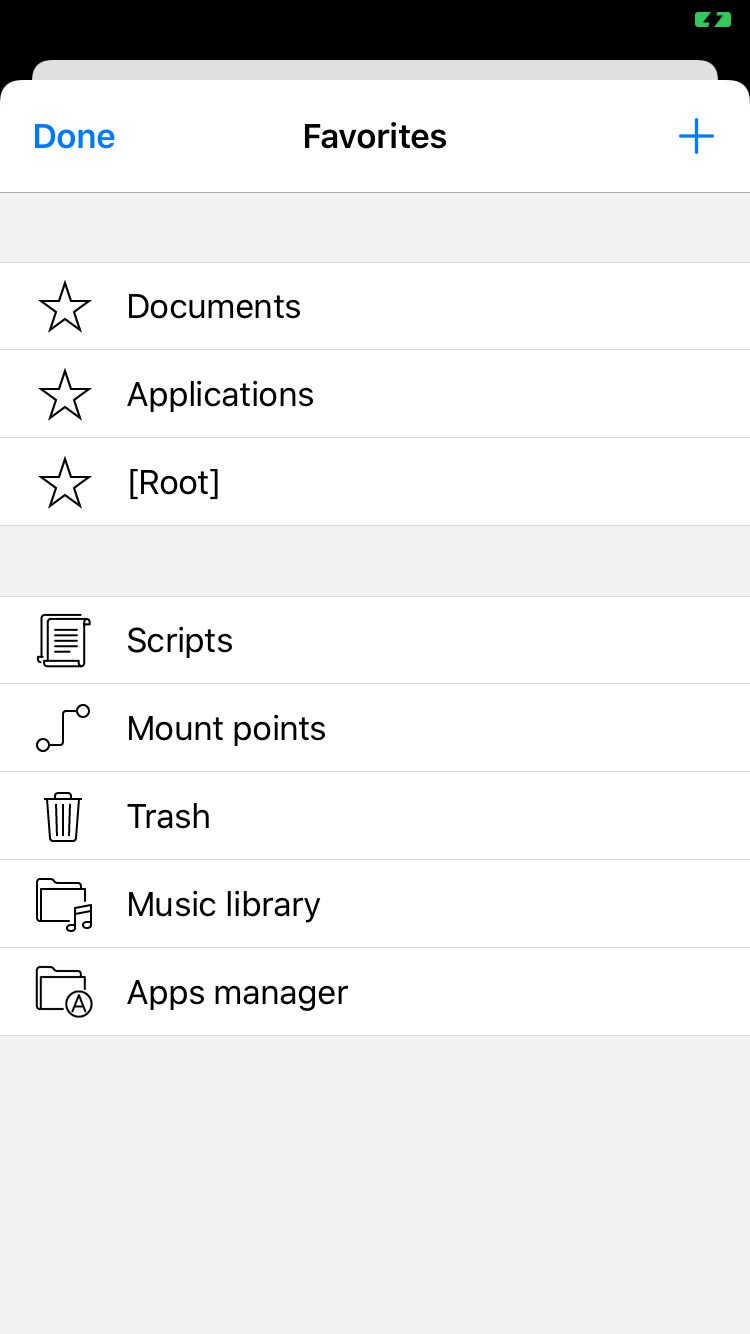
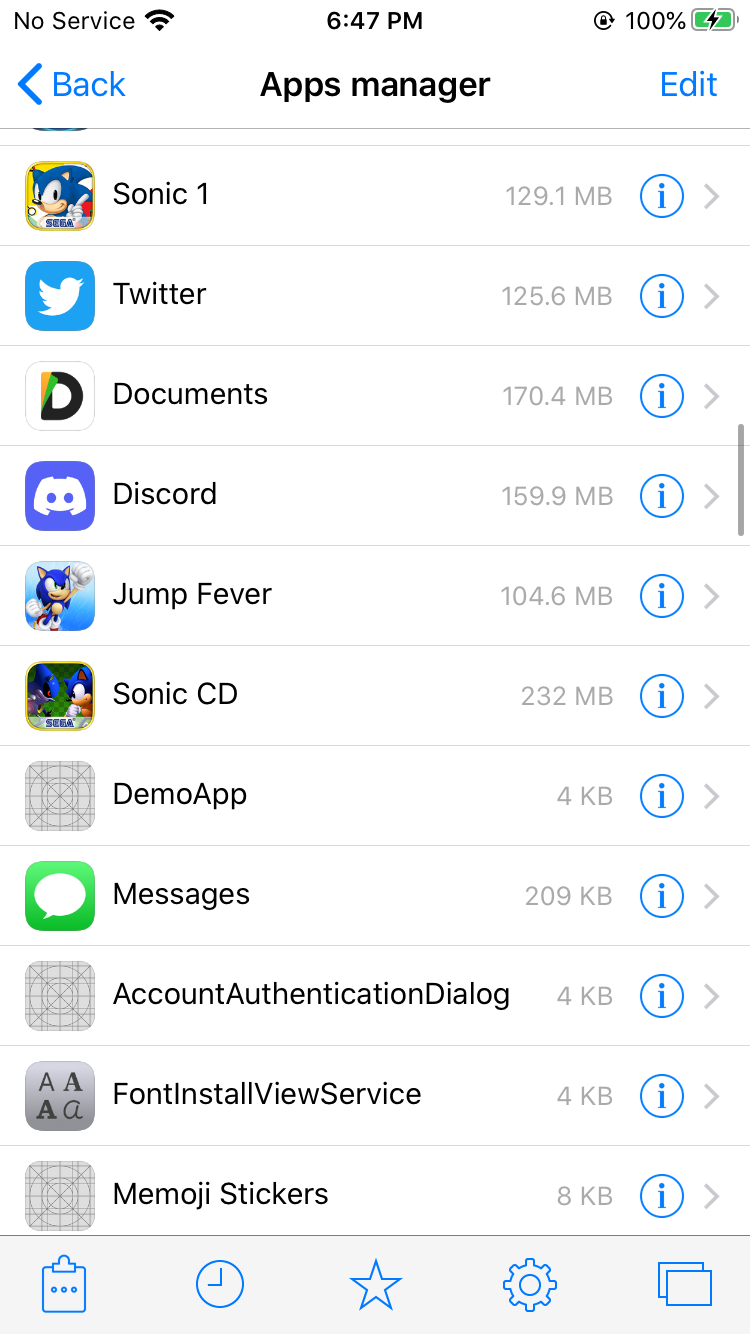
Open Filza, then tap the Favorites icon at the bottom. In the menu that appears, tap Apps manager.
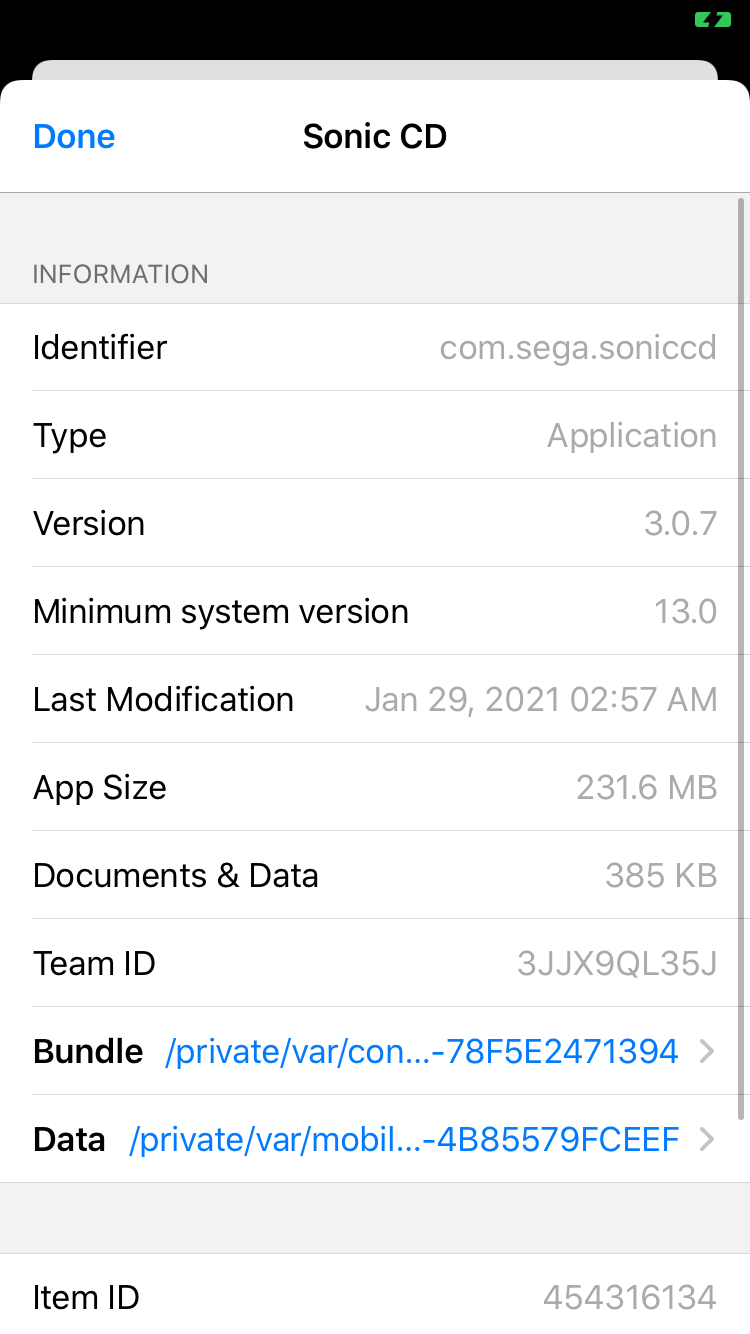
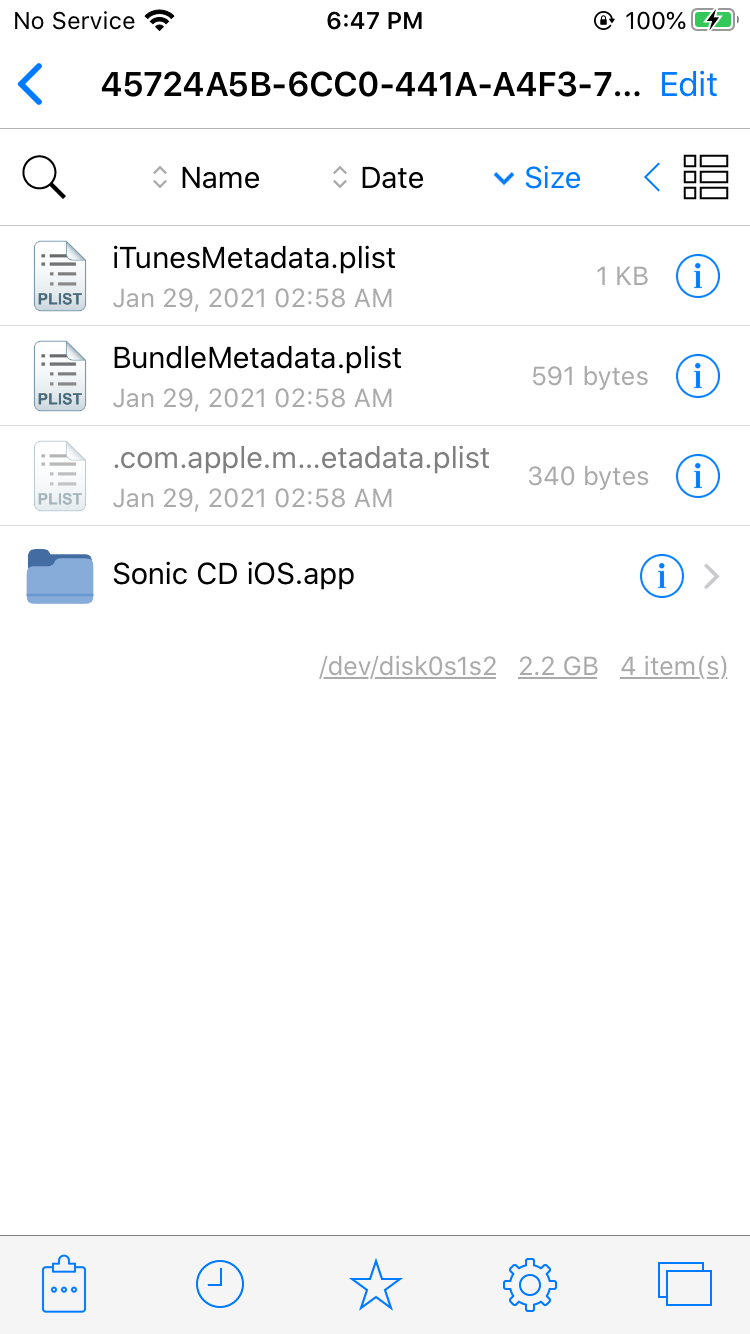
A list of your installed apps will appear. Tap the info icon next to Sonic CD, then choose Bundle.
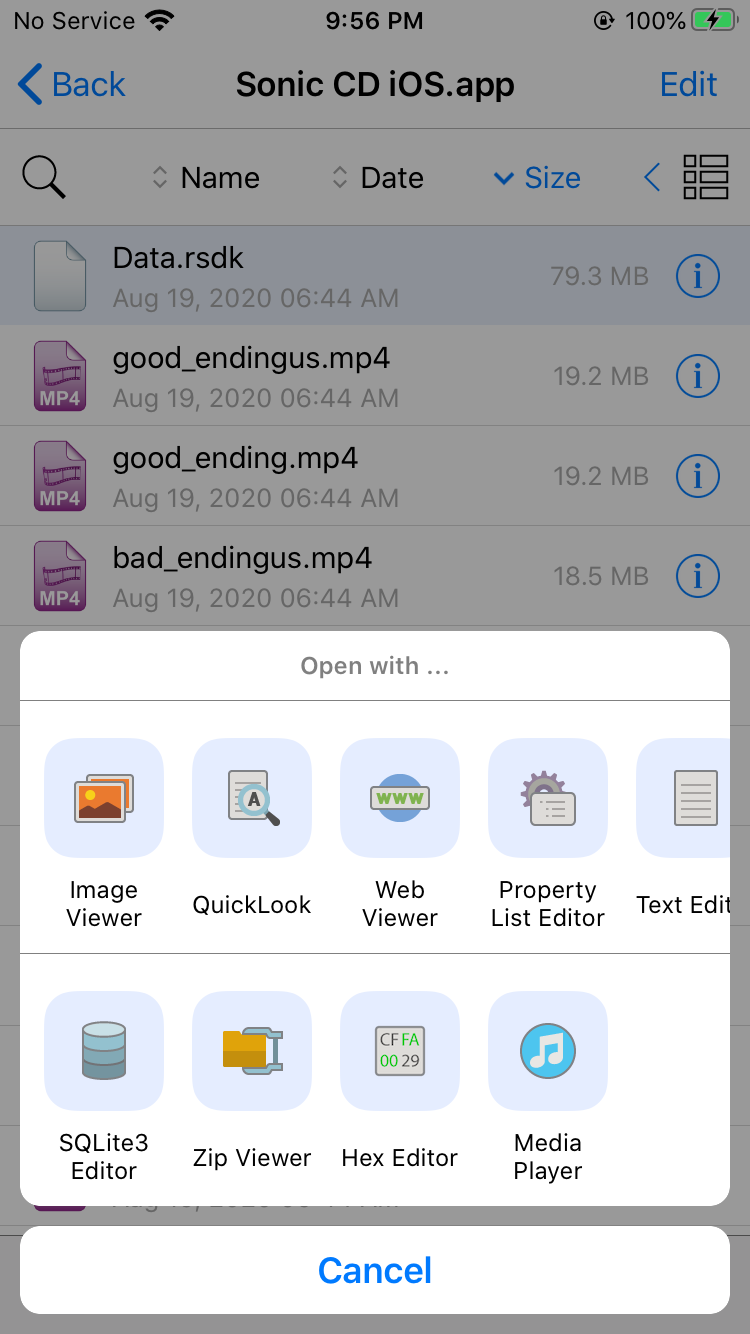
Tap Sonic CD iOS.app, then you should see the datapack Data.rsdk.
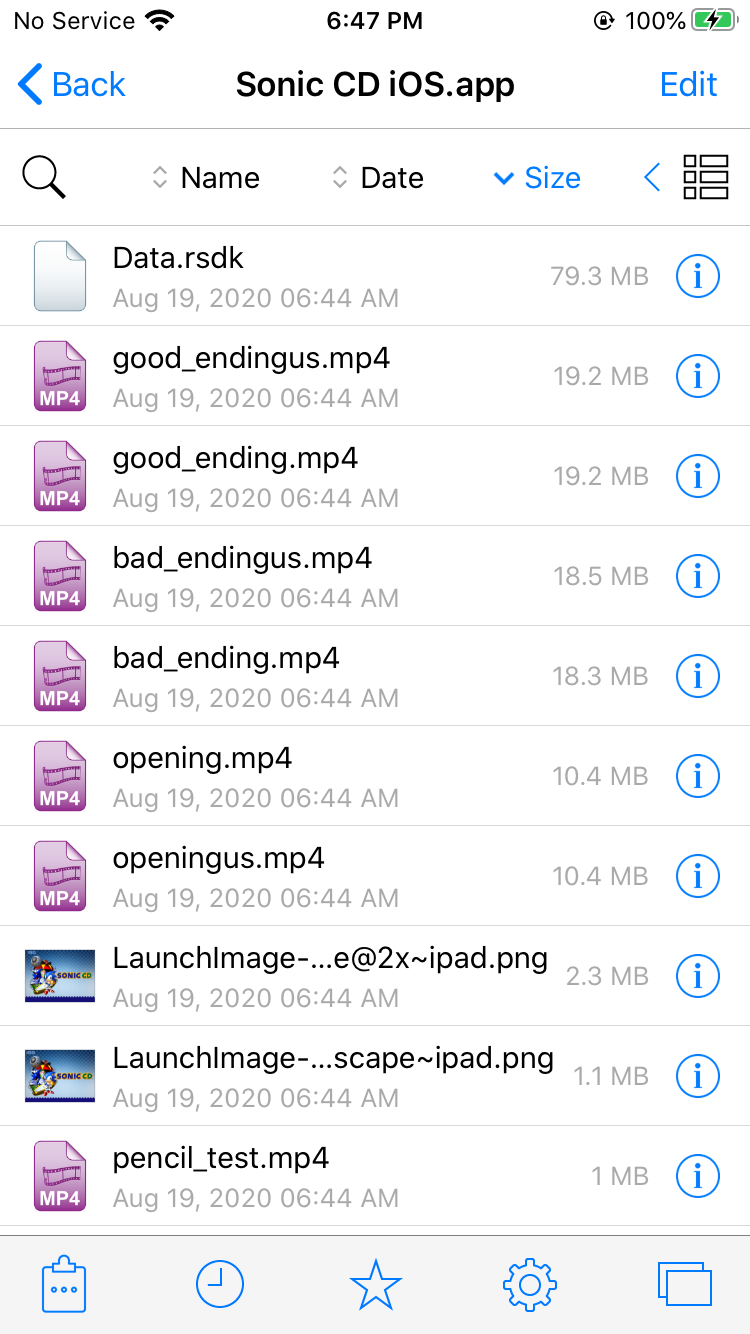
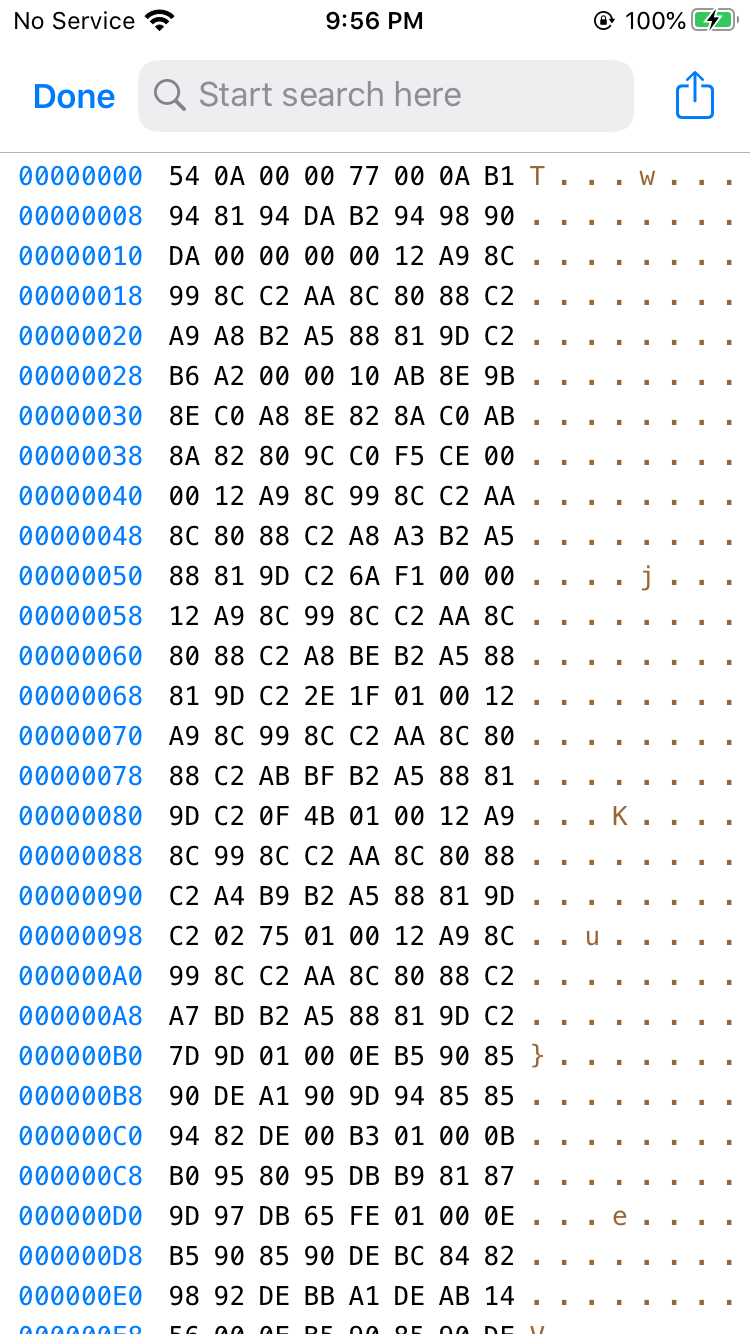
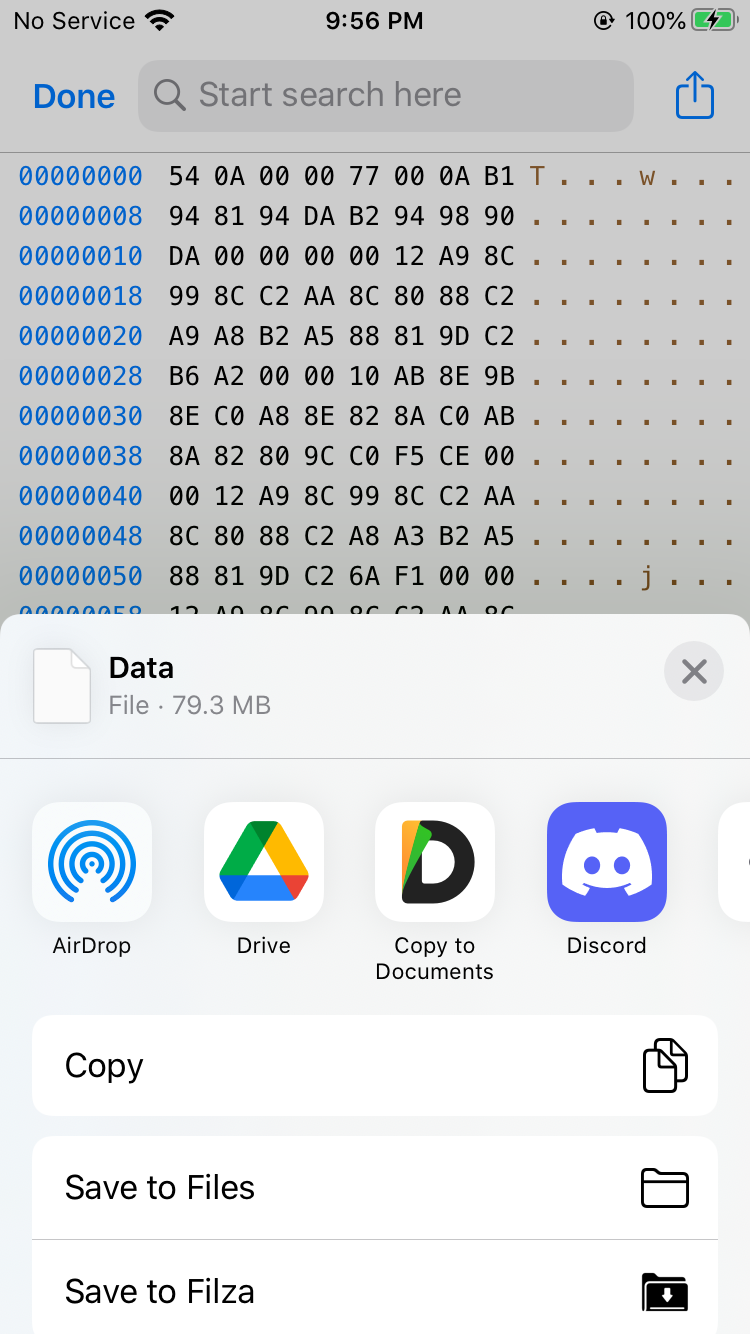
To share one of the files with another app, tap the file, open the Hex Editor, then tap the Share button in the top right corner. When you're finished, tap Done in the Hex Editor to close it.
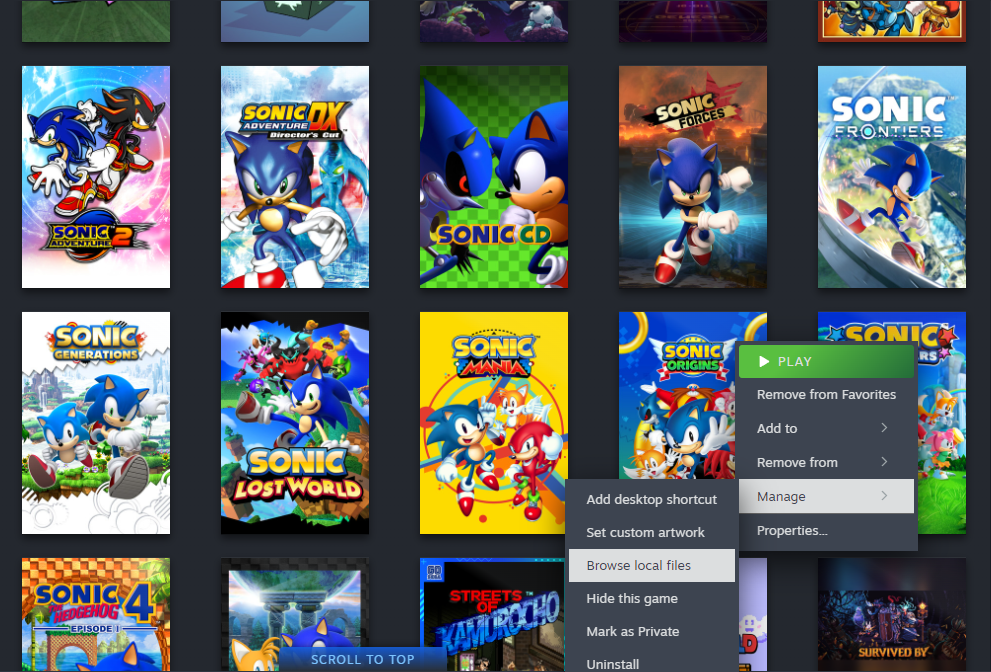
Open your Steam library, then right click Sonic Origins and click Manage > Browse local files.
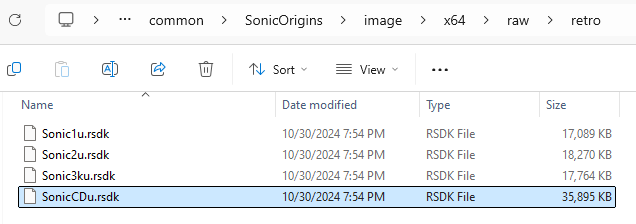
In the File Explorer window that appears, open image/x64/raw/retro. The datapack for Sonic CD is SonicCDu.rsdk.
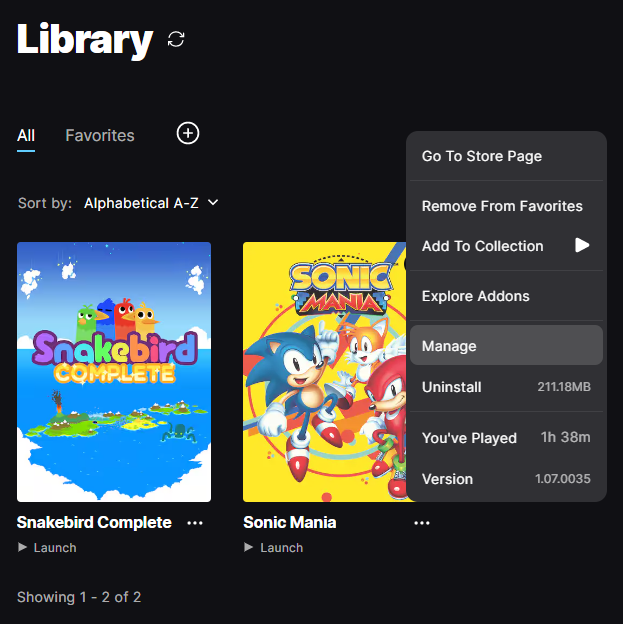
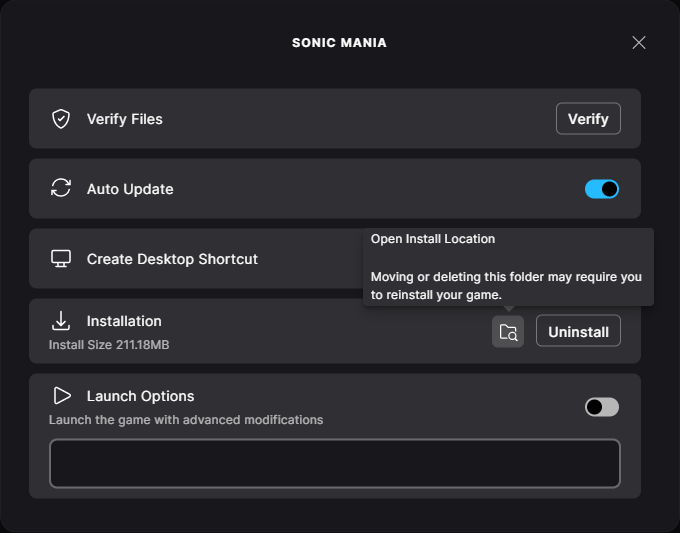
Open your Epic Games library, then right click Sonic Origins and click Manage. In the menu that appears, click the Open Install Location button next to the Uninstall button.
In the File Explorer window that appears, open image/x64/raw/retro. The datapack for Sonic CD is SonicCDu.rsdk.
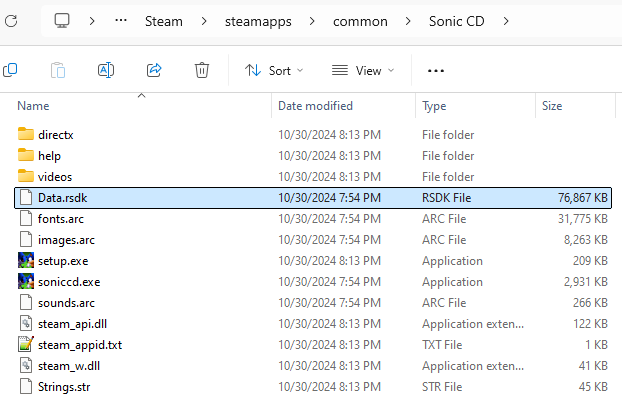
Open your Steam library, then right click Sonic CD and click Manage > Browse local files.
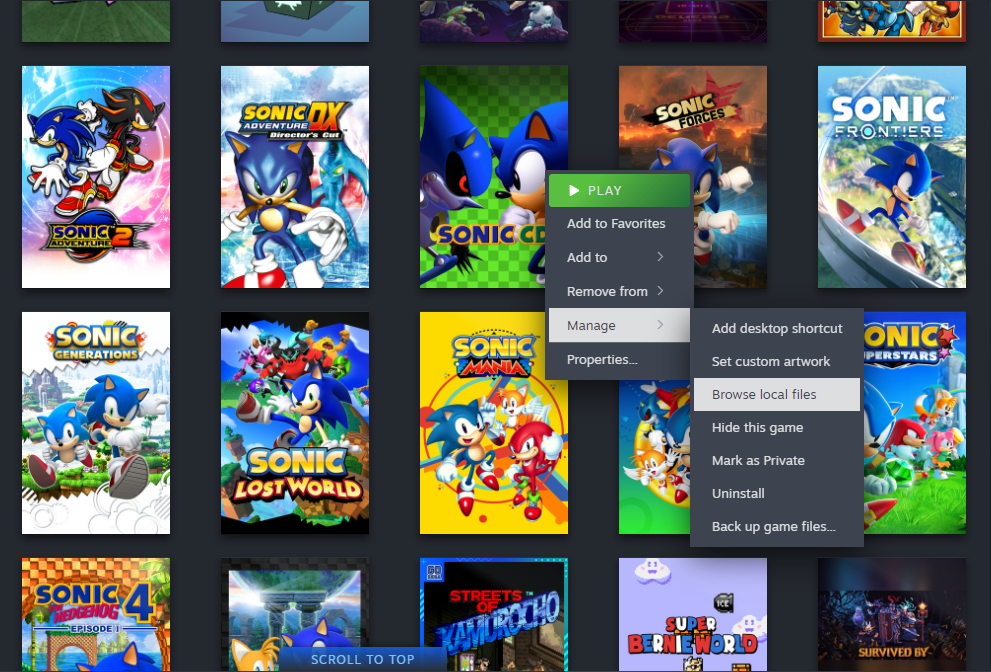
In the File Explorer window that appears, the datapack is Data.rsdk.