Default Menu
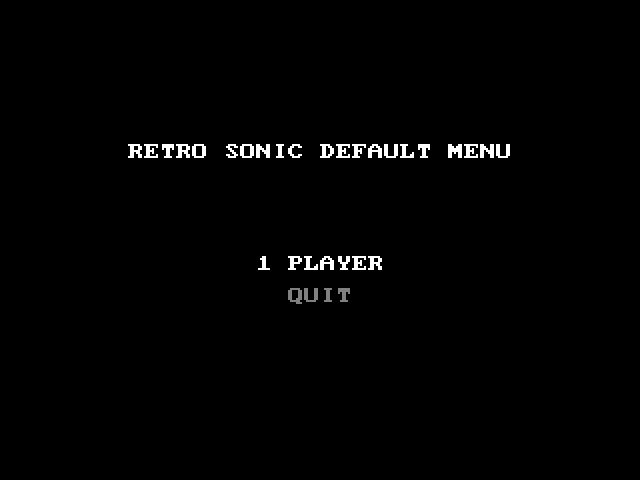
The Default Menu is a debug menu included with RSDKv2, disabled by default. The menu includes several features useful for debugging games in the engine.
Enabling
The Default Menu can be enabled by using Data Folder Mode.
In the decompilation, you can also set DevMenu to true in the settings.ini file, like so:
[Dev]
; Enable this flag to activate dev menu via the ESC key
DevMenu=true ; (1)!
; Enable this flag to activate features used for debugging the engine (may result in slightly slower game speed)
EngineDebugMode=false
; Sets the starting category ID
StartingCategory=255
...
- Make sure that the decomp is not running while editing settings.ini; otherwise, your changes will be reverted upon closing the decomp.
Decomp Debug Controls
| Key | Command |
|---|---|
| Esc | Opens the Default Menu. |
| Backspace | While held down, speeds up the game to 8x speed. |
| F12 / Pause (F7 on Mac) | Toggles step-over mode. |
| F11 / Ins (F6 on Mac) | If in step-over mode, steps over to the next frame. |
| F1 | Loads the first scene in the Presentation stage list. |
| F2 | Loads the previous scene in the scene list. If pressed in the first scene, it will load the last one. |
| F3 | Loads the next scene in the scene list. If pressed in the last scene, it will load the first one. |
| F5 | Reloads the current scene. |
Menu
The Default Menu opens automatically upon booting up the game while it's enabled. In the RSDKv2 Decompilation, you can also open it at any time by pressing Esc.
TODO: explain each submenu